How to Organize WordPress Lessons, Past Live Sessions, SEO, and Website Backups
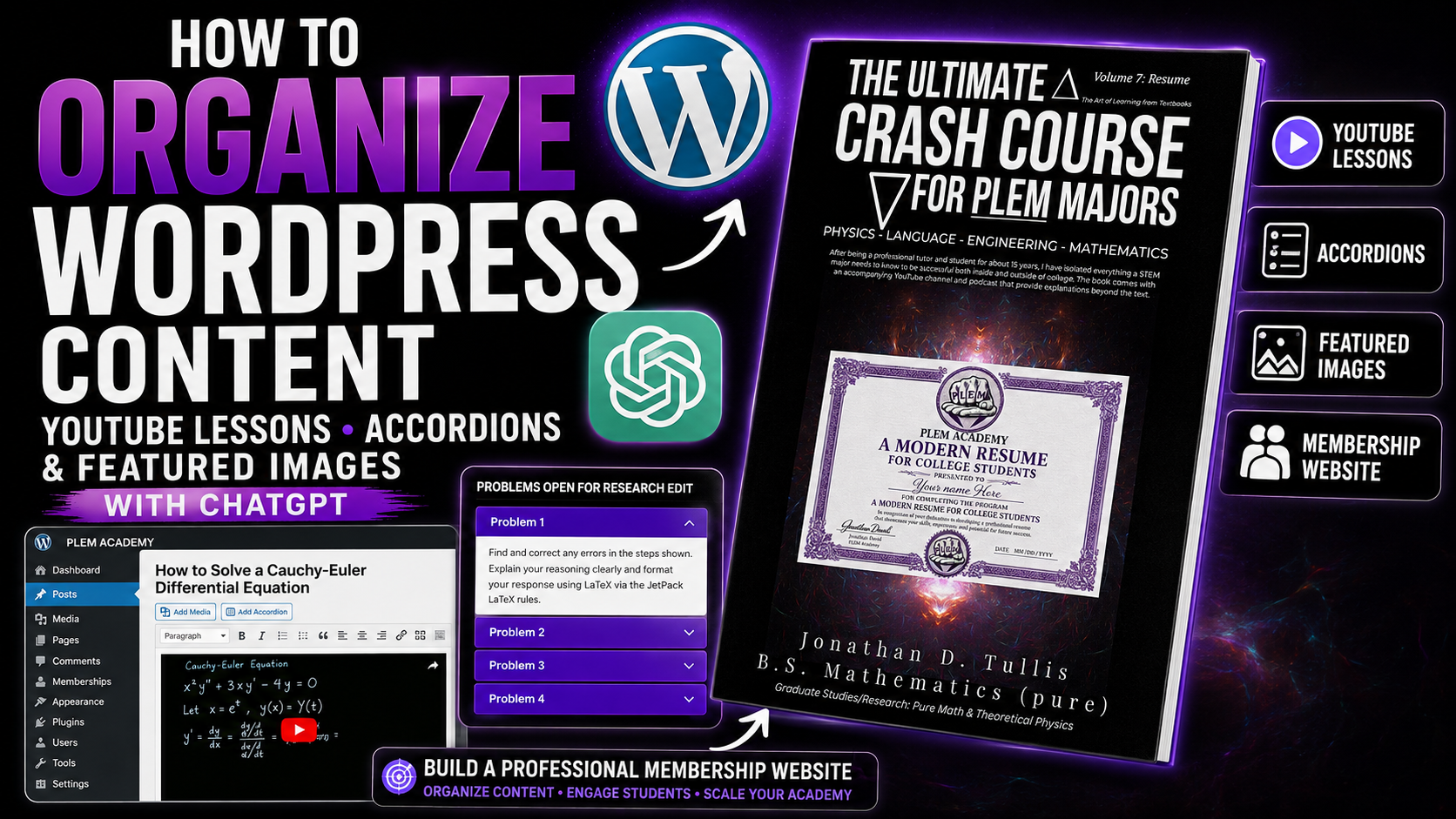
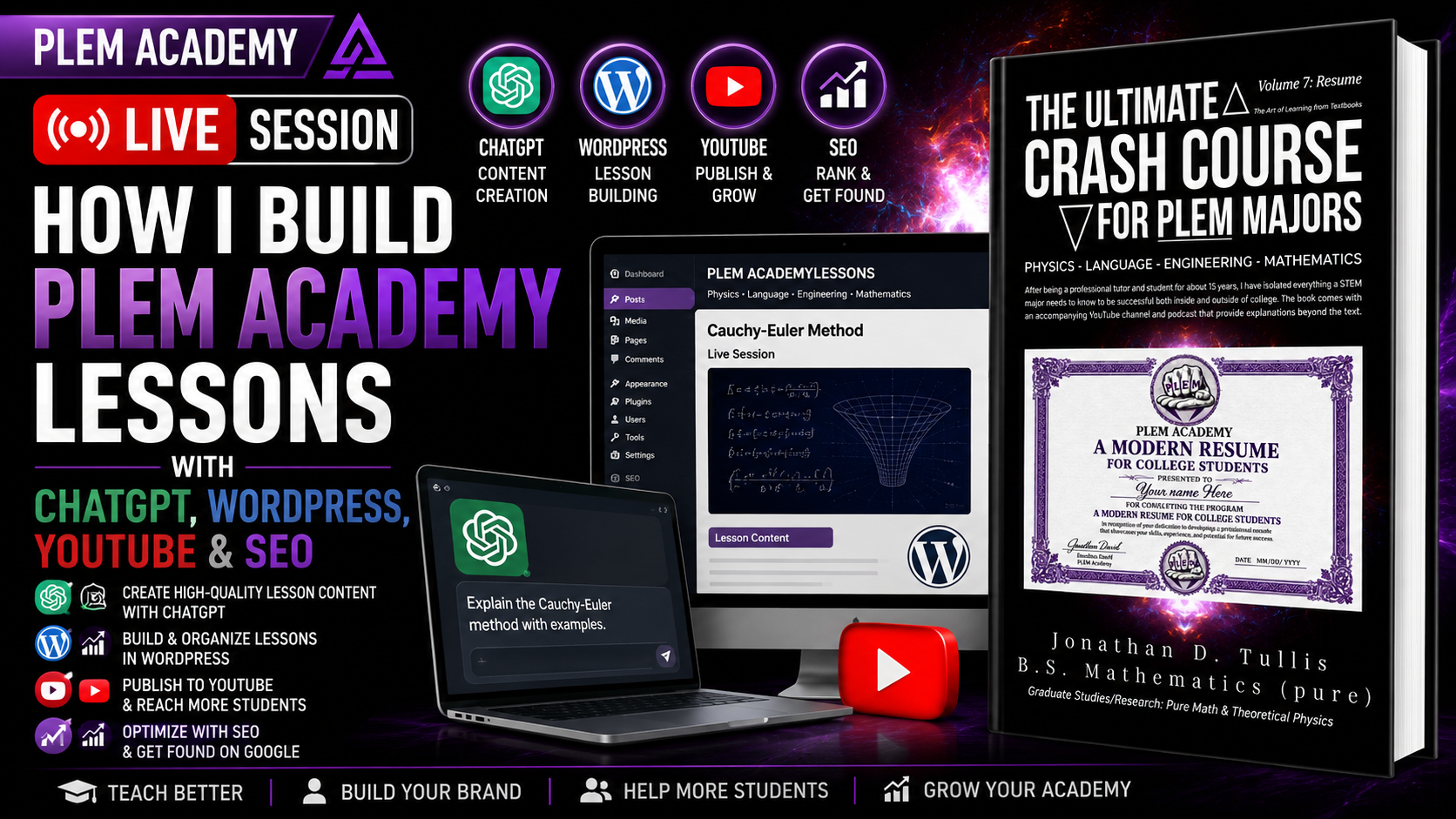
This PLEM Academy Modern Resume Building lesson demonstrates how to turn a recorded STEM lesson into a complete WordPress resource, organize it into course categories, create searchable titles and featured images, submit important pages to Google Search Console, and maintain backups so website changes can be reversed when something goes wrong.
Building a Real Website Is Part of Resume Development
The web-development portion of the Modern Resume Building project is not intended to be a collection of abstract tutorials. The objective is to build and maintain an actual educational website while documenting the process.
Every lesson added to the PLEM Academy website becomes an opportunity to practice several professional skills at once:
- WordPress content management
- HTML
- Search engine optimization
- Digital publishing
- Featured-image management
- Video organization
- PDF publishing
- Website navigation
- File management
- Backup and version-control habits
Build something substantial enough that you can later explain exactly what you created, maintained, organized, published, and improved.
Turning an Ordinary Differential Equations Session Into a Complete Lesson
In this session, a previous ordinary differential equations recording is being converted into a complete educational post.
The process begins with the recorded video and transcript. The transcript provides enough information to create a clear title and description without having to manually invent them after every lesson.
The supporting differential equations document is then exported as a PDF so the original mathematical work can appear alongside the video.
The result is no longer just a video. It becomes a complete learning resource containing several connected forms of the same lesson.
A Repeatable Publishing Workflow
Once the system is established, every lesson can follow essentially the same publishing workflow.
- Record the live session or screen lesson.
- Allow the video to finish processing.
- Retrieve the transcript.
- Create a clear search-oriented title and description.
- Export the original lesson document as a PDF.
- Upload the PDF and featured image to WordPress.
- Create the standalone HTML lesson.
- Embed the video and supporting PDF.
- Assign the correct WordPress category.
- Add the video to the corresponding YouTube playlist.
- Publish the WordPress post.
- Submit especially important pages for search indexing when appropriate.
A consistent system makes it possible to expand a large educational library without reinventing the publishing process every time.
Past Live Sessions Become a Permanent Archive
The PLEM Academy website contains a Past Live Sessions area where recordings can be organized by subject.
A student can therefore locate a previous calculus or differential equations session without searching through an entire social-media channel.
A lesson can include:
- The featured image
- The complete recorded lesson
- An organized written explanation
- Mathematical notation
- The original PDF
- Research or editing opportunities
This makes the website function more like a structured educational archive than a simple collection of video links.
Free Sample Lessons
Some past live sessions can remain publicly available as samples for students who want to understand how the research program works before joining.
For example, an introductory related-rates lesson or ordinary differential equations lesson can demonstrate the general format of the program while more extensive research material remains organized for participating members.
What the live session looks like
How the mathematical work is documented
How PDFs and videos are organized
How research participants review developing work
How the complete website library is structured
Create Subject-Specific Playlists
Video organization should mirror the organization of the website whenever practical.
An ordinary differential equations lesson can be added to an ODE research playlist. A calculus lesson can be added to a differential calculus playlist. Research-related material can also be placed in the broader Research Position collection.
This allows the same lesson to be discovered through multiple logical paths without changing the underlying content.
The important part is that the organization remains understandable.
Featured Images Should Match the Lesson
The featured image is another part of the organization.
If the lesson is part of the ordinary differential equations volume, the corresponding differential equations book cover or branded thumbnail can be used. If the lesson is about differential calculus, the calculus volume can be represented instead.
Before uploading the image, the filename can also be renamed so it reflects the actual lesson.
Consistent naming makes the media library easier to manage as the number of lessons increases.
Search Engine Optimization Requires Organization
Publishing a page does not automatically mean it will immediately appear in search results.
A strong page should make its subject clear through the title, headings, filename structure, written content, image information, category, and URL organization.
Original, substantial content also gives the page considerably more value than a nearly empty post containing only an embedded video.
Search-Friendly Lesson Structure
Clear title → useful written material → relevant headings → video → PDF or supporting resources → appropriate category → descriptive featured image → internal organization.
Using Google Search Console
After publishing important lessons, Google Search Console can be used to request indexing for selected URLs.
This can be useful for especially important new pages, while the rest of the website can be discovered naturally through normal crawling and internal links.
There is no reason to submit every tiny website change manually.
Prioritize pages containing substantial original material that you actually want people to discover through search.
The WordPress Accordion System
The same standalone posts can also be categorized inside a larger accordion structure used for the crash-course books and professional-development curriculum.
For Volume 7, the first major section is organized around web development.
WordPress, HTML, search engine optimization, Canva, website organization, publishing, media management, and related digital-development lessons can all be grouped inside this section.
The exact order is less important than completing the collection of skills. Different students may encounter these projects in a different sequence.
Why Every Accordion Update Is Backed Up
During this session, an edit to the accordion caused part of the structure to disappear.
This is exactly why backups matter.
Rather than attempting to reconstruct the missing HTML from memory, the previous working version can simply be reopened.
Preserve the previous working version before changing important HTML, navigation, membership code, or accordion structures.
Create Versioned Copies Before Editing
A simple version-control system can prevent a great deal of unnecessary work.
Before modifying the primary accordion code, duplicate the existing version and preserve the original.
Then edit the duplicate.
If something goes wrong, the previous version still exists.
Including dates or sequential identifiers in the filenames makes it easier to determine which version was created first.
Duplicate → rename → edit → test → save → preserve.
Small Website Mistakes Are Part of Learning
Web development involves mistakes.
An HTML section may disappear. A menu can point to the wrong category. A title may fail to save because the page was updated too quickly. A cached version may continue appearing even after the code has changed.
Professional development is not about never making those mistakes.
It is about developing systems that allow you to identify and recover from them efficiently.
Why This Is Valuable Resume Experience
Building this system requires more than simply knowing where the WordPress buttons are.
The complete project requires:
- Planning a website architecture
- Creating reusable HTML structures
- Managing educational content
- Organizing multimedia assets
- Creating search-oriented content
- Managing digital files
- Troubleshooting errors
- Maintaining backups
- Publishing original material
- Improving the system over time
Those are real project-management and technical-development skills when the work is actually completed and documented.
Use AI for the Grunt Work, Not the Intellectual Work
A substantial website contains repetitive work that can consume a surprising amount of time.
Titles need to be cleaned up. Transcripts need to be organized. HTML structures need to remain consistent. Repeated layouts have to be recreated. Descriptions and headings have to be generated.
AI can assist with that production work after the original lesson, research, mathematics, or project has already been created.
This preserves more energy for the work that actually requires human attention: mathematics, research, editing, verification, teaching, and project decisions.
Use AI to help organize and format work you created. Do not assume automatically generated material is correct merely because it looks professional.
Research Participants Provide Another Layer of Review
Even after a lesson has been organized and published, the developing version can remain available for research participants to examine.
Students can review the mathematical work, written explanation, HTML, formatting, PDF, and lesson organization for issues that should be corrected.
That review process provides experience in technical editing and quality control while simultaneously improving the developing educational library.
The Bigger Lesson
A modern STEM resume is built from projects, not adjectives.
Saying that you understand web development, digital publishing, SEO, WordPress, or technical communication means much more when you can point to a functioning project and explain exactly how you built it.
The PLEM Academy website itself becomes part of that learning process.
Build It, Document It, Improve It
Record the work. Organize the files. Publish the lesson. Fix mistakes. Maintain backups. Improve search visibility. Review what went wrong. Then repeat the process until the workflow becomes a professional skill rather than a tutorial you once watched.
Join the PLEM Academy Research Position
The PLEM Academy Research Position gives students access to developing STEM lessons, live research sessions, mathematical material, publication projects, technical communication exercises, web-development projects, and opportunities to review work for corrections and improvements.
Participants can gain experience with Microsoft Word, WordPress, HTML, mathematical typesetting, Canva, research review, publishing workflows, and other professional-development projects while continuing their mathematics, physics, engineering, or computer-science education.
Depending on the membership option, participants may also receive monthly or quarterly educational mailers, developing books, research material, and other bonus resources.
Explore the Research Position