Building a Professional STEM Resume Through WordPress, HTML, SEO, and Digital Publishing
This PLEM Academy Modern Resume Building lesson demonstrates how a STEM student can turn ordinary coursework, research, mathematical writing, web development, and digital publishing into documented professional experience for a modern resume.
Volume 7: Modern Resume Building
This lesson is part of Volume 7 of The Ultimate Crash Course for PLEM Majors, focused on modern resume building and the professional skills students can develop alongside their mathematics, physics, engineering, and technical coursework.
A modern STEM resume should contain more than a degree and a list of completed courses. The objective is to gradually create evidence that you know how to research, communicate technical information, organize projects, work with modern software, publish professional material, and complete independent work.
Do not wait until senior year to ask what belongs on your resume. Build the experience throughout college and document the work as you complete it.
WordPress, SEO, HTML, Canva, and Web Development
One section of the Modern Resume Building curriculum focuses on WordPress and related digital skills. These lessons document the process of creating and maintaining a real educational website rather than merely discussing web development theoretically.
Topics developed throughout this portion of the project include:
- WordPress website development
- HTML and page formatting
- Search engine optimization
- Website organization and navigation
- Content categorization
- Responsive video embedding
- PDF and educational-resource embedding
- Canva and visual design
- Digital publishing
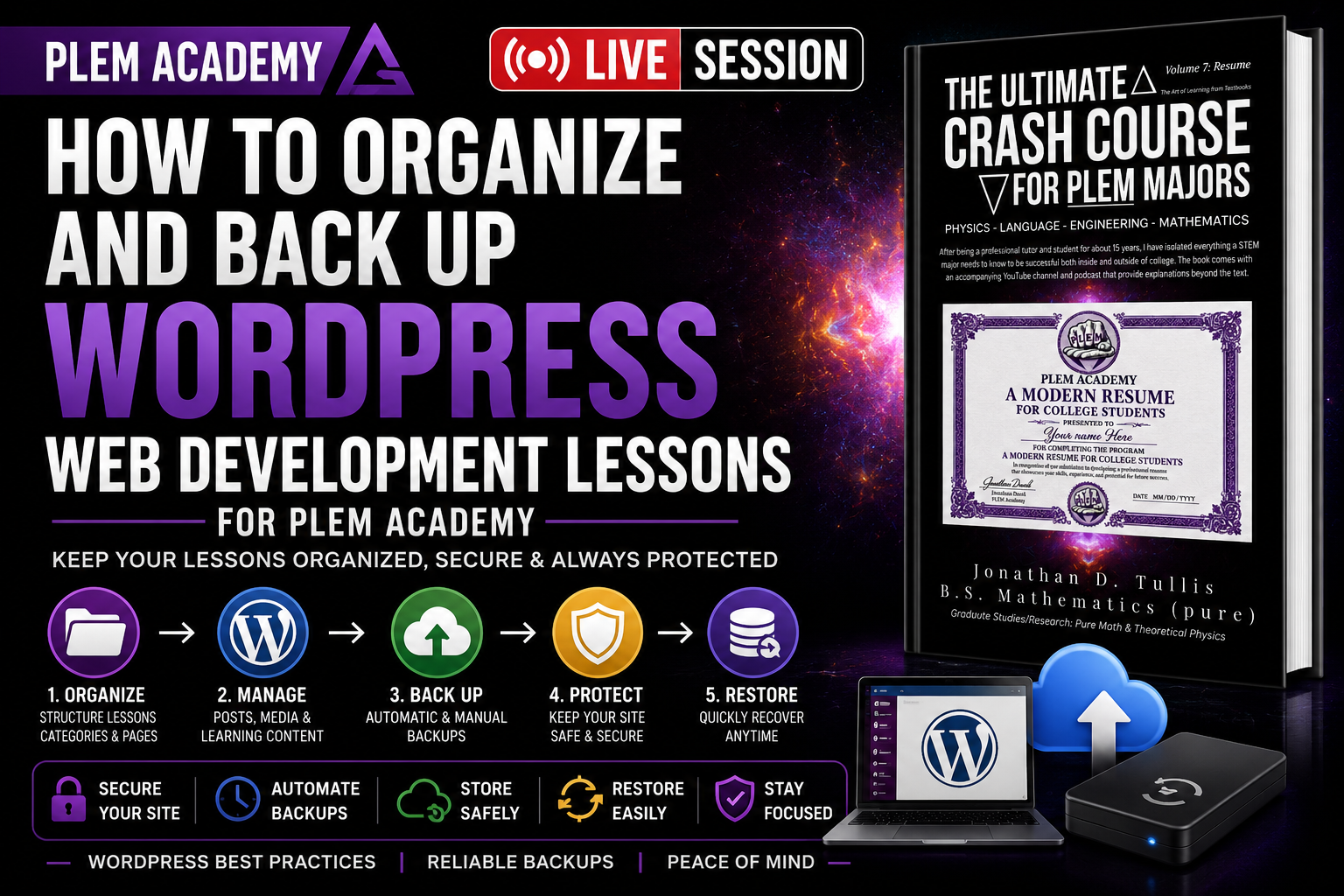
- File organization and backup procedures
- Research documentation
- Using AI as an organizational and formatting assistant
Building the PLEM Academy Lesson Library
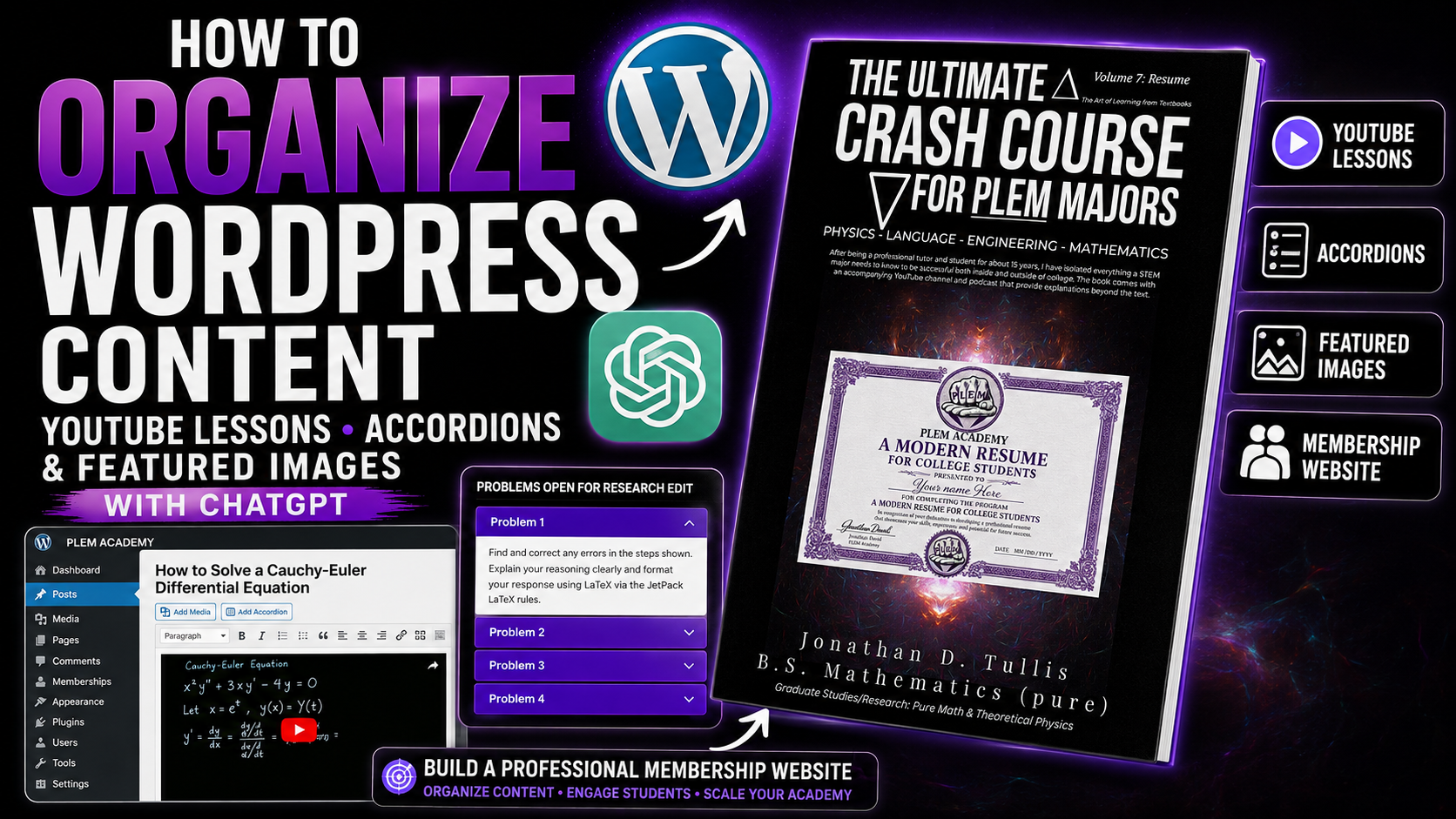
During this session, the PLEM Academy website is being organized so individual lessons can exist both as standalone WordPress posts and as components inside larger accordion-based course libraries.
This creates multiple levels of organization. A student can open an individual lesson directly, while a member working through a complete subject can locate that same lesson within its corresponding course, volume, category, or research section.
The Ultimate Crash Course for PLEM Majors
→ Volume 7: Modern Resume Building
→ WordPress, SEO, HTML, Canva & Web Development
→ Individual lessons and projects
The accordion code is also backed up separately as the website develops. This makes it possible to restore a previous working version if an HTML edit, formatting change, or accidental deletion damages the current version.
Turning Live Research Sessions Into Educational Resources
Another part of the workflow demonstrated in this lesson is the transformation of a live research session into a complete educational resource.
Instead of uploading a video and stopping there, the session can become several interconnected resources:
- Record the live or screen-recorded lesson.
- Upload and process the video.
- Obtain the transcript.
- Create a clear, search-friendly title and description.
- Create a matching featured image or YouTube thumbnail.
- Prepare the written lesson or research document.
- Export the mathematical work as a PDF when appropriate.
- Create a WordPress post containing the video, written material, and PDF.
- Categorize the post within the appropriate course and research library.
- Open the developing work for research review and editing when appropriate.
This turns one live session into a permanent part of a larger educational library.
Example: Related Rates in Differential Calculus
During the website-building demonstration, a previous live session covering related rates in differential calculus is used as an example.
The session is organized as a past live research lesson and prepared as a sample for students interested in seeing how the PLEM Academy research format works.
Rather than presenting only the recording, the completed WordPress lesson can contain the video, organized mathematical material, supporting explanations, and the original PDF created during the session.
Research participants need something concrete to review. Developing lessons can remain open for examination so students can identify mathematical errors, formatting problems, unclear explanations, or typographical mistakes before a later final edit.
Search Engine Optimization Is Part of Publishing
A technically correct educational resource is not particularly useful online if nobody can locate it.
For that reason, attention is given to naming and organizing the digital assets associated with each lesson. Titles, uploaded images, PDFs, WordPress posts, categories, playlists, and descriptions should clearly communicate the subject of the material.
For example, a vague filename provides little useful context. A descriptive filename connected to the actual lesson makes the resource easier to identify, organize, and manage.
This is one reason each lesson takes more work than simply uploading a video. Publishing is part of the project.
Designing Search-Friendly Educational Thumbnails
The thumbnail workflow follows the same principle: clarity comes first.
For the PLEM Academy crash-course series, the book associated with the subject can appear on the right side of the thumbnail while the lesson title occupies the primary readable area.
The design should avoid unnecessary visual noise. Someone viewing a small thumbnail should be able to determine the subject quickly.
Large, readable lesson title
Minimal unnecessary visual clutter
Consistent book and course branding
Colors coordinated with the corresponding volume
A layout that remains understandable at small sizes
Using AI Without Outsourcing Your Thinking
AI is used throughout this workflow primarily to reduce repetitive production work.
For example, after a lesson has already been created, AI can help transform the supplied transcript, video information, mathematical document, and publishing instructions into a structured WordPress post.
It can also assist with tasks such as:
- Formatting HTML
- Structuring headings
- Preparing Jetpack LaTeX
- Organizing transcript material
- Drafting search-friendly titles
- Preparing descriptions
- Maintaining consistent page layouts
- Reducing repetitive publishing work
That does not eliminate the need for human review.
Mathematical notation, technical terminology, URLs, names, citations, equations, and automatically generated text should be reviewed rather than assumed to be correct.
Research Participants Look for the Details
This review process connects directly to the purpose of the PLEM Academy Research Position.
A developing lesson may contain a typo, formatting inconsistency, mathematical error, transcription mistake, or other problem that needs to be identified before a final version is published.
Research participants can review the developing work and practice the attention to detail required in technical environments.
The goal is not merely to consume another educational video. The student is encouraged to examine the work critically.
Why This Belongs in a Resume-Building Course
At first glance, building a WordPress post may appear unrelated to mathematics or engineering.
The professional skills behind the project are much broader.
A student participating in this type of work can gain experience with technical communication, mathematical typesetting, digital publishing, web development, document preparation, proofreading, project organization, research review, content management, and professional presentation.
Those experiences can later be translated into legitimate resume material when they accurately represent work the student actually completed.
Build Evidence of Your Skills
Instead of writing that you are organized, technically capable, detail-oriented, or experienced with professional software, complete projects that demonstrate those abilities and preserve the evidence.
Back Up Your Work
Another recurring lesson throughout the website project is redundancy.
HTML, accordion structures, lesson documents, PDFs, images, videos, and other important resources should not exist in only one location.
Mistakes happen. Code can be accidentally overwritten. Files can be deleted. A website update can introduce an unexpected problem.
Maintaining organized backups makes it possible to return to a known working version rather than rebuilding the project from the beginning.
One Project Can Demonstrate Multiple Professional Skills
The website itself becomes an example of the broader philosophy behind the Modern Resume Building volume.
One project can simultaneously require you to learn:
Content management and publishing
Page structure and presentation
Search-oriented organization
Visual communication and branding
Technical content development
Review and verification
Production and formatting assistance
Turning work into permanent resources
That is considerably more valuable for professional development than simply claiming familiarity with a list of software programs.
The Modern Resume Is Built Before You Write It
Resume building does not begin when you open Microsoft Word and start typing a resume.
It begins when you decide how you are going to spend your time during college.
Research projects, technical writing, mathematical documentation, websites, publications, presentations, software experience, independent study, internships, and collaborative projects gradually create the material that eventually belongs on the page.
The resume is simply the final organized summary of that work.
Document What You Actually Do
Build projects. Preserve your work. Learn professional tools. Develop technical communication skills. Review your mistakes. Improve the work. Then, when it is time to apply for an internship, research opportunity, graduate program, or STEM position, you have something real to discuss.
PLEM Academy Research Position
The PLEM Academy Research Position is designed for students who want to participate in developing mathematical, scientific, engineering, publishing, and educational projects while building experience beyond ordinary coursework.
Live sessions provide a behind-the-scenes look at the research and development process, while developing lessons can be reviewed for mathematical errors, typographical mistakes, formatting problems, and opportunities for improvement.
Learn more about the Research Position at AuthorJonD.com.