Building and Organizing a WordPress Course Website with ChatGPT | PLEM Academy
This web development session follows the continuing construction of the PLEM Academy website and shows how I organize WordPress posts, course accordions, YouTube lessons, featured images, PDFs, categories, backups, and AI-assisted HTML into a growing educational library.
Building the Website While Building the Course
One of the larger ideas behind these web development lessons is that the website itself becomes part of the education.
I am not simply uploading finished material to a finished website. I am building the PLEM Academy infrastructure while recording the process so students can see how the organization, publishing, troubleshooting, and content-management side works in practice.
This material is being incorporated into The Ultimate Crash Course for PLEM Majors, Volume 7: Modern Resume Building. The web development portion includes experience with WordPress, HTML, Canva, YouTube, SEO, digital publishing, file organization, and the practical use of AI as a production tool.
The Problem With Producing Too Much Content Too Quickly
I create a large amount of video content. That creates a secondary problem: if I record fifty lessons and tell myself I will organize everything later, eventually organizing the backlog becomes a project of its own.
The solution is to create a repeatable workflow where each previous lesson is processed before too many additional lessons accumulate.
Record → Transcribe → Title → Create Thumbnail → Build WordPress Post → Categorize → Add to Course Accordion → Test → Back Up → Continue
Once this becomes routine, a library containing hundreds or eventually thousands of pieces of content becomes much easier to manage.
Using Transcripts to Organize Each Lesson
One useful part of the workflow is allowing the video transcript to help identify what a particular recording is actually about.
Instead of spending unnecessary energy trying to remember every subject covered in a long recording, I can take the transcript and use ChatGPT to help identify the primary subject, produce a cleaner title, organize the written material, and prepare the WordPress HTML.
This becomes particularly helpful when a recording contains several smaller lessons.
Once the subject has been identified, I can connect it to the appropriate:
- PLEM Academy volume
- WordPress category
- YouTube playlist
- Course accordion
- Featured image
- PDF or supporting document
- Research or editing section
Why I Publish the Same Lesson in More Than One Place
A lesson may appear both as an individual WordPress post and inside a larger course accordion.
That is intentional.
Individual WordPress Posts
The standalone post provides a page that can be indexed by search engines. Someone searching for a particular WordPress, calculus, differential equations, Canva, SEO, or resume-building topic can potentially discover that individual lesson directly.
Course Accordions
The accordion serves students who are already inside the course. Instead of searching the internet or navigating dozens of individual posts, they can open the appropriate volume and find each lesson in an organized sequence.
The standalone post is built for discovery. The accordion is built for organized study.
Organizing Volume 7: Modern Resume Building
The web development lessons are being collected inside Volume 7 of the PLEM Academy crash-course series.
Rather than leaving a large number of empty accordion sections visible, I began changing the structure so only completed lessons appear, followed by a simple placeholder for the next lesson.
Volume 7: Modern Resume Building
→ Web Development
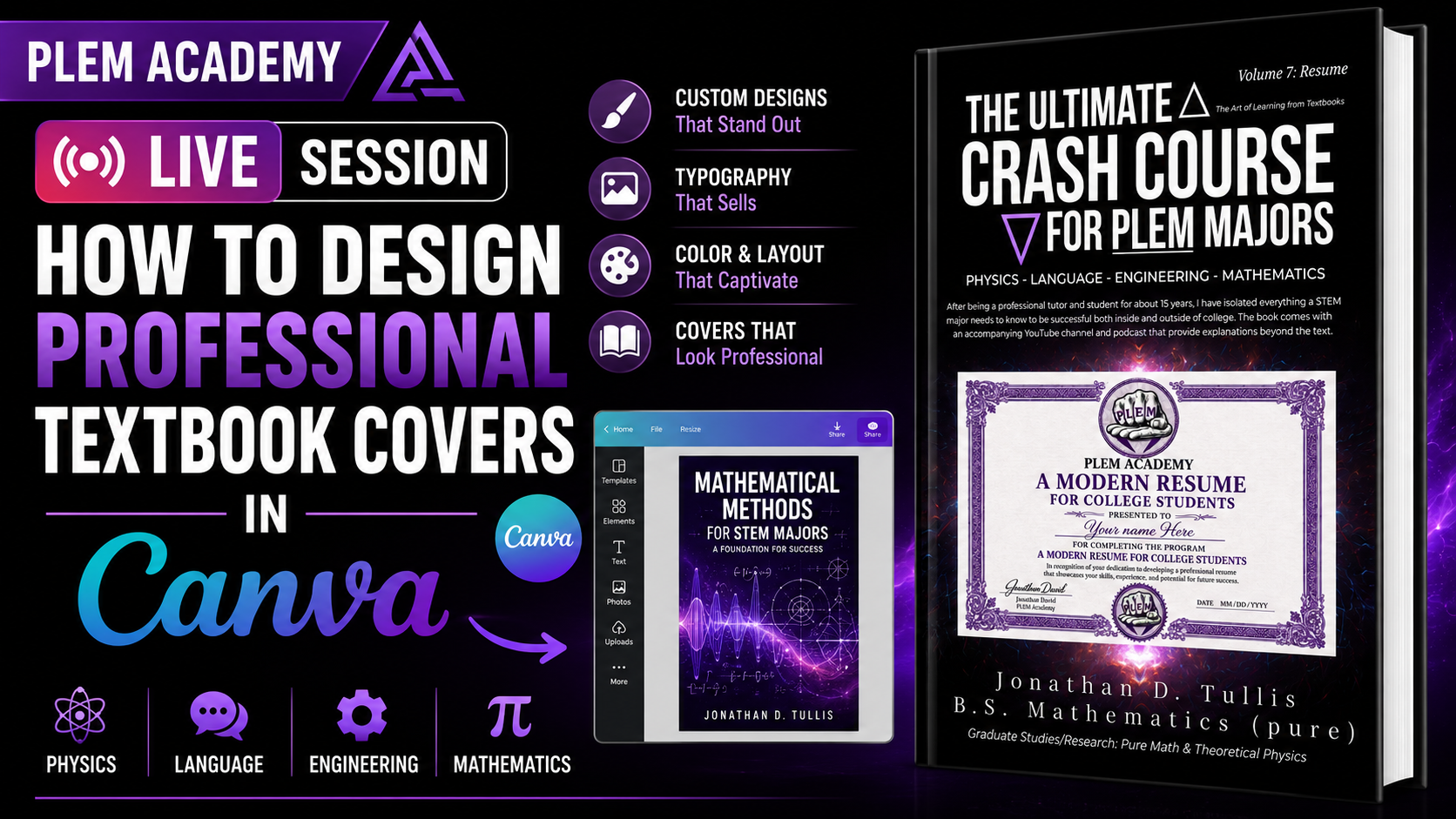
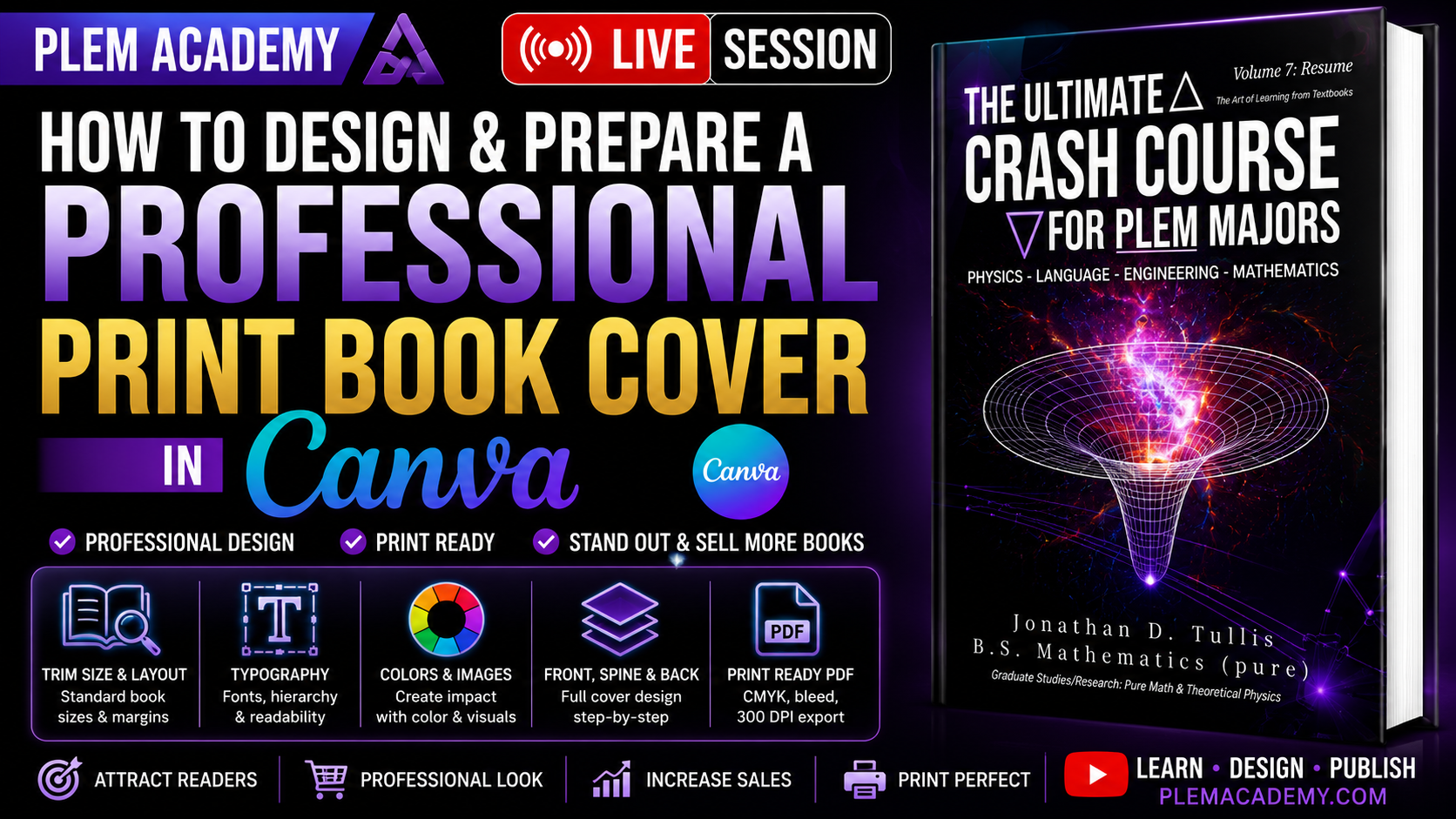
→ Intro to Book Cover Production in Canva
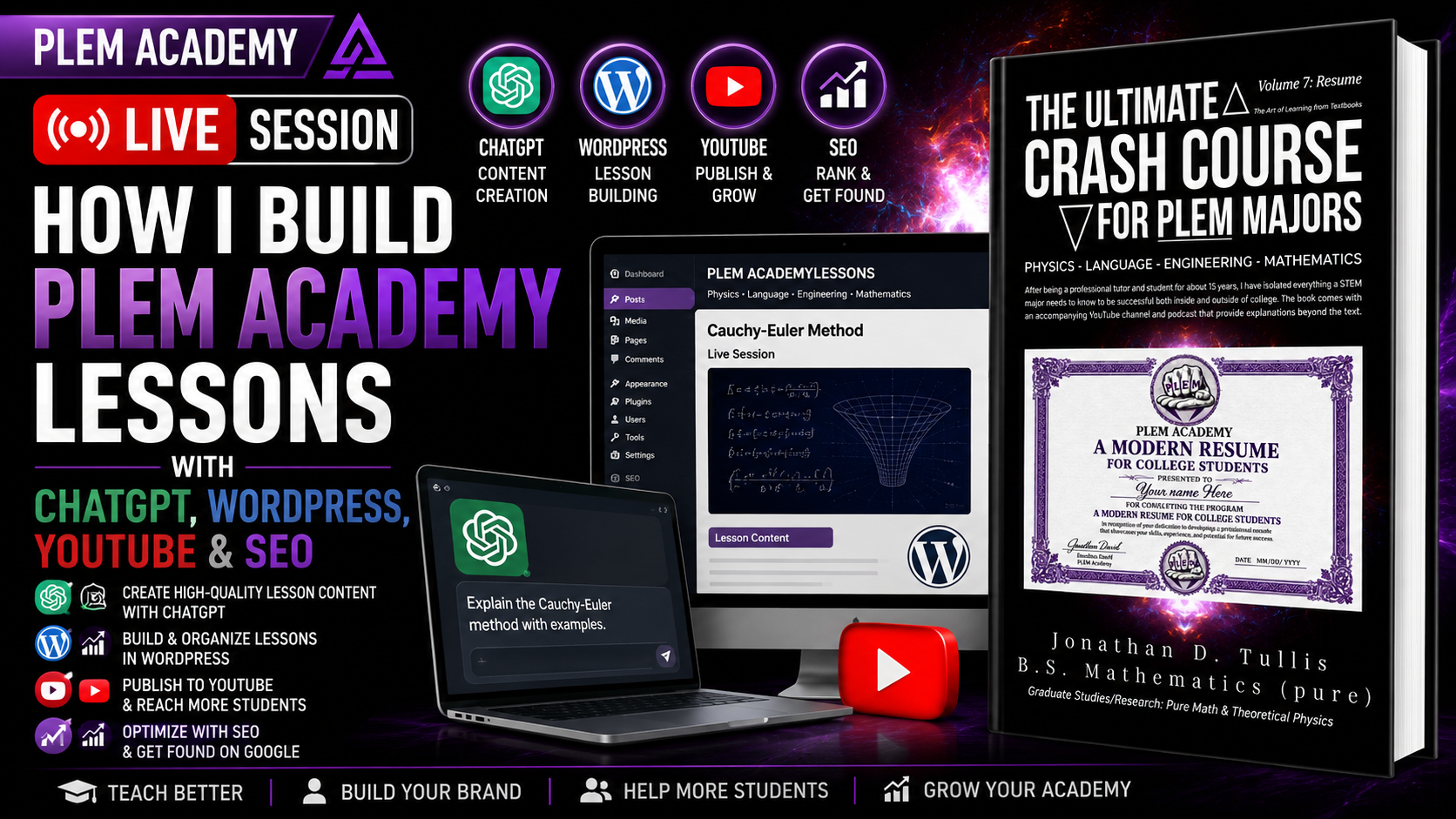
→ ChatGPT and WordPress Publishing
→ Organizing and Backing Up WordPress Lessons
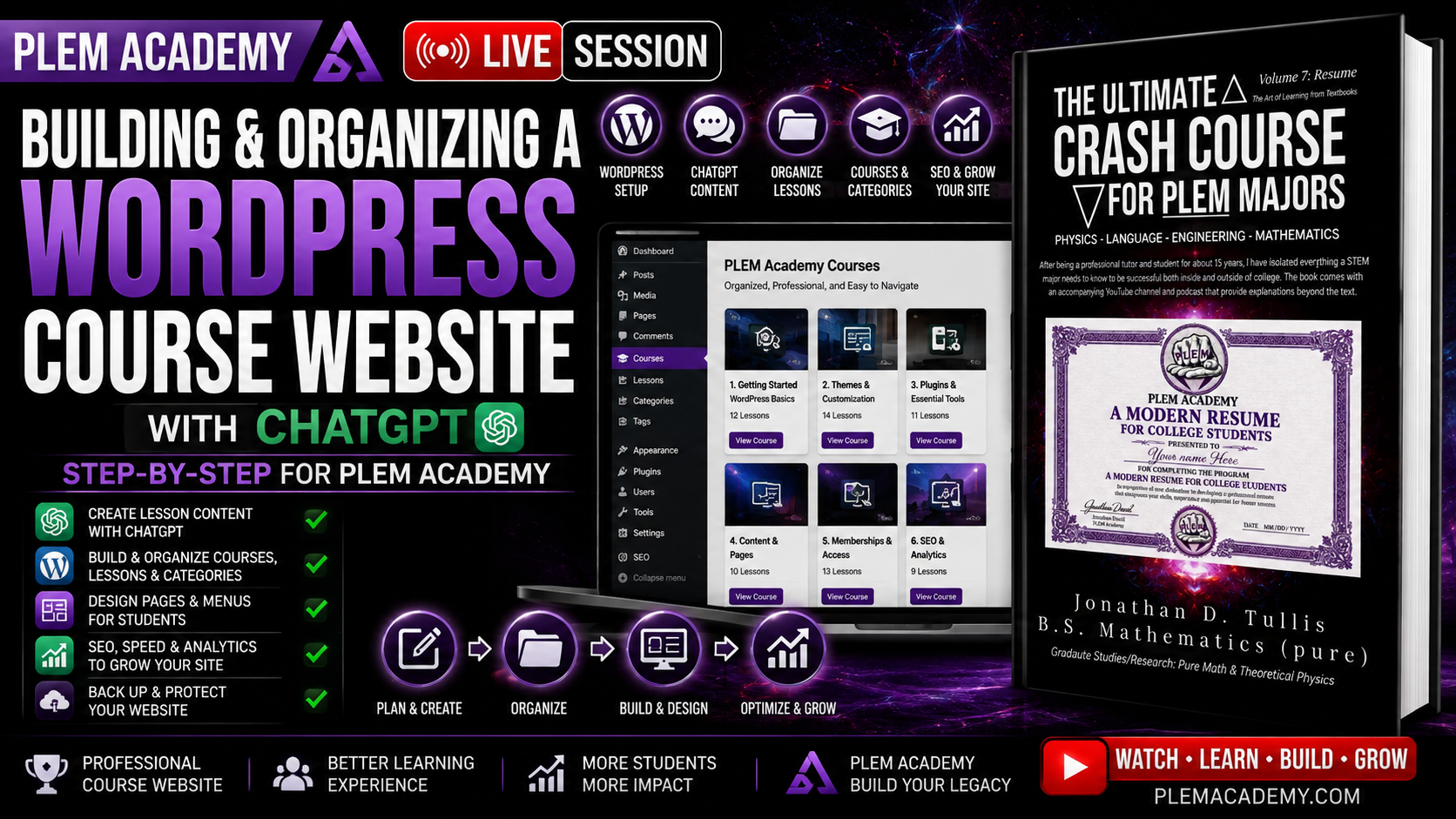
→ Building the PLEM Academy Course Website
→ Membership Website Development
→ Next Lesson
Why Every Accordion Version Gets Backed Up
One of the practical lessons in this session comes from making mistakes while editing the accordion.
When working with a large block of HTML, it is remarkably easy to copy the wrong section, delete something that appears unimportant, or paste an entire accordion where only one lesson should have been inserted.
A single missing closing tag can disturb the structure of everything beneath it.
Because of that, I keep separate versions of the accordion as it develops.
Duplicate the working version first. Make the change in the duplicate. Test it. Then continue building from the version that actually works.
This turns mistakes from disasters into minor inconveniences.
Debugging a Blurry YouTube Thumbnail Inside the Accordion
A useful troubleshooting example occurred with the YouTube video embeds.
The video looked correct when published as a standalone WordPress post. Once the same material was inserted into the accordion, however, the thumbnail became blurry.
The first adjustment fixed the image quality—but then the video would not play.
Another adjustment restored playback—but brought back the blurry thumbnail.
The code had to be adjusted and tested until both conditions worked simultaneously.
✓ Clear HD thumbnail
✓ Video plays correctly on the first click
That is a much better representation of web development than pretending every piece of code works correctly on the first attempt.
AI Can Generate Code, but You Still Have to Test It
ChatGPT can drastically reduce the amount of repetitive HTML work involved in maintaining a large site.
It can help build the post, structure headings, organize transcript information, prepare reusable HTML, and troubleshoot sections of an accordion.
But generated code still needs supervision.
The fact that one version fixes the thumbnail while breaking playback is exactly why you still need enough understanding of the underlying system to recognize when something is wrong.
AI is most useful here as a production assistant—not as a replacement for understanding the project.
Always Test the Actual Published Page
The editor is not the final product.
After changing HTML, publishing a lesson, or modifying an accordion, the actual page needs to be opened and tested.
I check things such as:
- Does the accordion open correctly?
- Did the correct lesson appear?
- Is the thumbnail sharp?
- Does the YouTube video play?
- Does it play on the first click?
- Did another lesson disappear?
- Did deleting unused content damage the surrounding HTML?
- Does the page still work after WordPress saves it?
- Does the standalone post still look correct?
Organizing WordPress Categories
The website menu and category system also needed cleanup during this session.
As a site grows, it is easy to create two categories that effectively mean the same thing. That makes navigation more confusing than helpful.
The developing PLEM Academy organization includes sections such as:
- Math Monthly
- Past Live Sessions
- PLEM Academy Lessons
- Research Team
- Textbook Review
The goal is to keep the navigation broad enough to remain manageable while still making it easy to locate the correct type of content.
Public Lessons Versus Member-Only Lessons
Not every recorded session is appropriate for unrestricted public release.
Some lessons involve only me working through material and can remain public. Other recordings include student participation or information that belongs inside the membership environment.
Those recordings can remain unlisted or restricted while still being organized inside the appropriate PLEM Academy course.
Content visibility therefore needs to be decided individually instead of treating every recording exactly the same way.
Adding Mathematics and Differential Equations Material
The same publishing system is also being used for mathematics lessons.
During this session, material involving the Cauchy-Euler method in ordinary differential equations is organized as a past live session, connected to the appropriate differential-equations material, given a featured image, and paired with its supporting PDF.
This gives the student several ways to use the lesson:
- Watch the recorded video
- Read the written lesson
- Review the original PDF
- Find it through the course structure
- Participate in research editing when applicable
Embedding Supporting PDFs
When a lesson includes a document created during the live session, the PDF can be uploaded to the WordPress Media Library and embedded directly into the post.
I generally use a height of approximately 1,000 pixels so the document is large enough to read comfortably without taking over the entire page.
A complete mathematics post can therefore combine the recording, explanation, notation, original PDF, research instructions, and comments in one location.
Why This Belongs in a Modern Resume Building Course
The point is not simply to tell a student to put “WordPress” or “HTML” on a resume.
A much stronger approach is to actually use those tools repeatedly.
If you spend years building, editing, publishing, troubleshooting, organizing, and maintaining real projects, you eventually have something meaningful to discuss when an employer asks what experience you have.
| Tool | Practical Experience |
|---|---|
| WordPress | Building and maintaining an actual educational website |
| HTML | Editing layouts, embeds, accordions, and troubleshooting broken structures |
| Canva | Producing thumbnails, covers, and digital publishing assets |
| ChatGPT | Assisting with formatting, organization, and repetitive production work while reviewing the output |
| YouTube | Publishing, playlists, thumbnails, transcripts, and course organization |
| SEO | Structuring individual lessons so they can be independently discovered |
The Larger Publishing System
Each piece of content can ultimately exist in several connected forms:
YouTube: video delivery and discovery
WordPress Post: searchable written lesson
Course Accordion: structured student navigation
PDF: original supporting material
Playlist: organized video collection
Textbook: long-form organized publication
Research Section: review, corrections, and student participation
The objective is to create the lesson once and then organize that same original work into a larger educational ecosystem.
Create, Test, Organize, and Continue
The website does not need to become perfect overnight.
There are thousands of pieces of material that can eventually be added. The important part is establishing a workflow that can survive that amount of content.
Each lesson adds one more working piece to the larger system.
Join the PLEM Academy Research Position
The PLEM Academy Research Position gives students access to developing lessons, live research sessions, textbook material, research editing opportunities, professional mathematical communication practice, web development material, and the continuing production of the PLEM Academy crash-course library.
Students can follow the material as it develops, review lessons for errors or typos, practice using professional tools, and gain experience with the publishing and research process.
Learn More About the Research PositionAuthor Jonathan David
For books, fiction, membership options, special releases, and additional projects, visit AuthorJonD.com.
Visit AuthorJonD.com