Math Monthly

717 posts

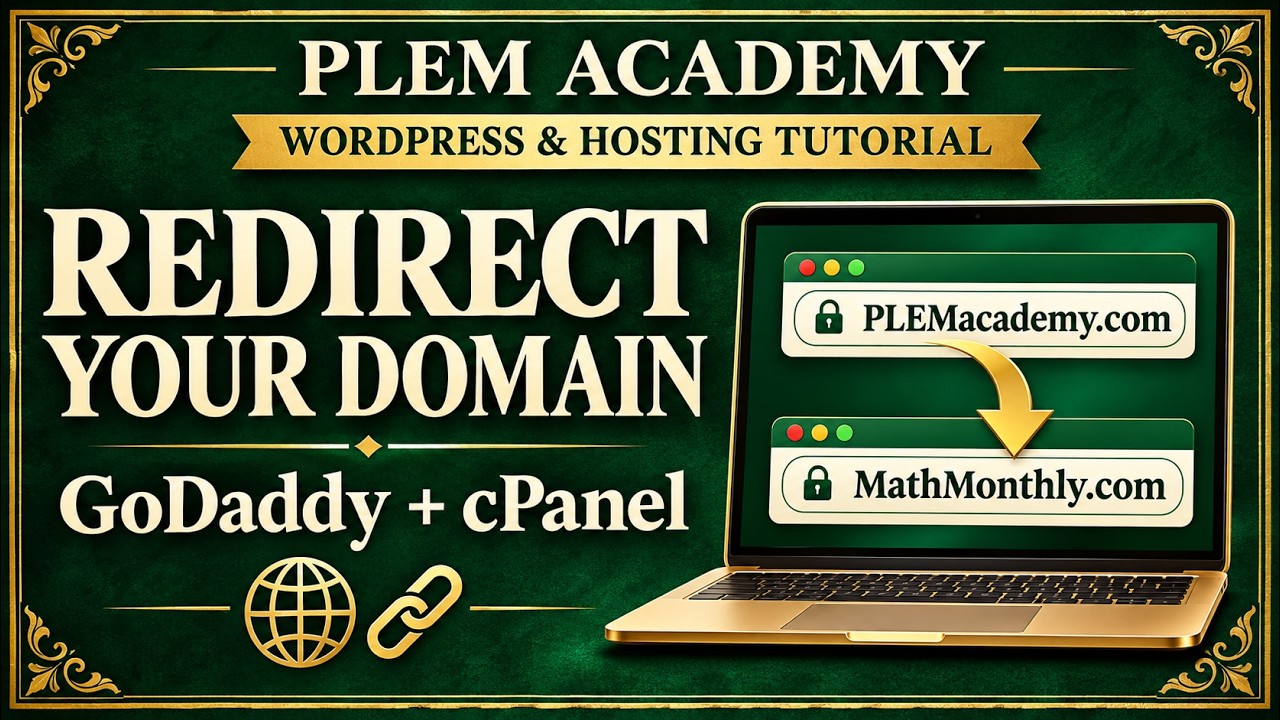
How to Redirect (Permanent Forward) a Domain in cPanel – GoDaddy Website Tutorial

Follow a practical walkthrough of redirecting PLEMacademy.com to Math Monthly using GoDaddy hosting and cPanel.

In this PLEM Academy miscellaneous lesson, Professor Jonathan D. Tullis removes an existing domain-forwarding setup, adds the domain to his hosting account, and configures a redirect through cPanel.

In this lesson:

• Locate domain forwarding in the GoDaddy DNS management area.
• Remove the previous forwarding configuration.
• Add the domain to an existing hosting account without installing another website application.
• Open cPanel and locate the Redirects tool.
• Select the domain and enter its destination URL.
• Test the redirect and recognize how cached results can affect what you see.

The lesson also connects hands-on website tasks to resume building: describe your familiarity with tools accurately and develop that experience through your own work.

Get full access and perks when you become a member @MathMonthly via https://www.youtube.com/@TheAuthorJonathanDavid/join

Build Your Resume Website While in College

PLEM Academy · Podcast · Program Preview Build Your Resume Website While in College Show employers what you can do through your digital resume, original projects, and career-focused textbook. Your resume lists your skills. Your website can show the work behind them. In this podcast, Professor Jonathan D. Tullis introduces […]

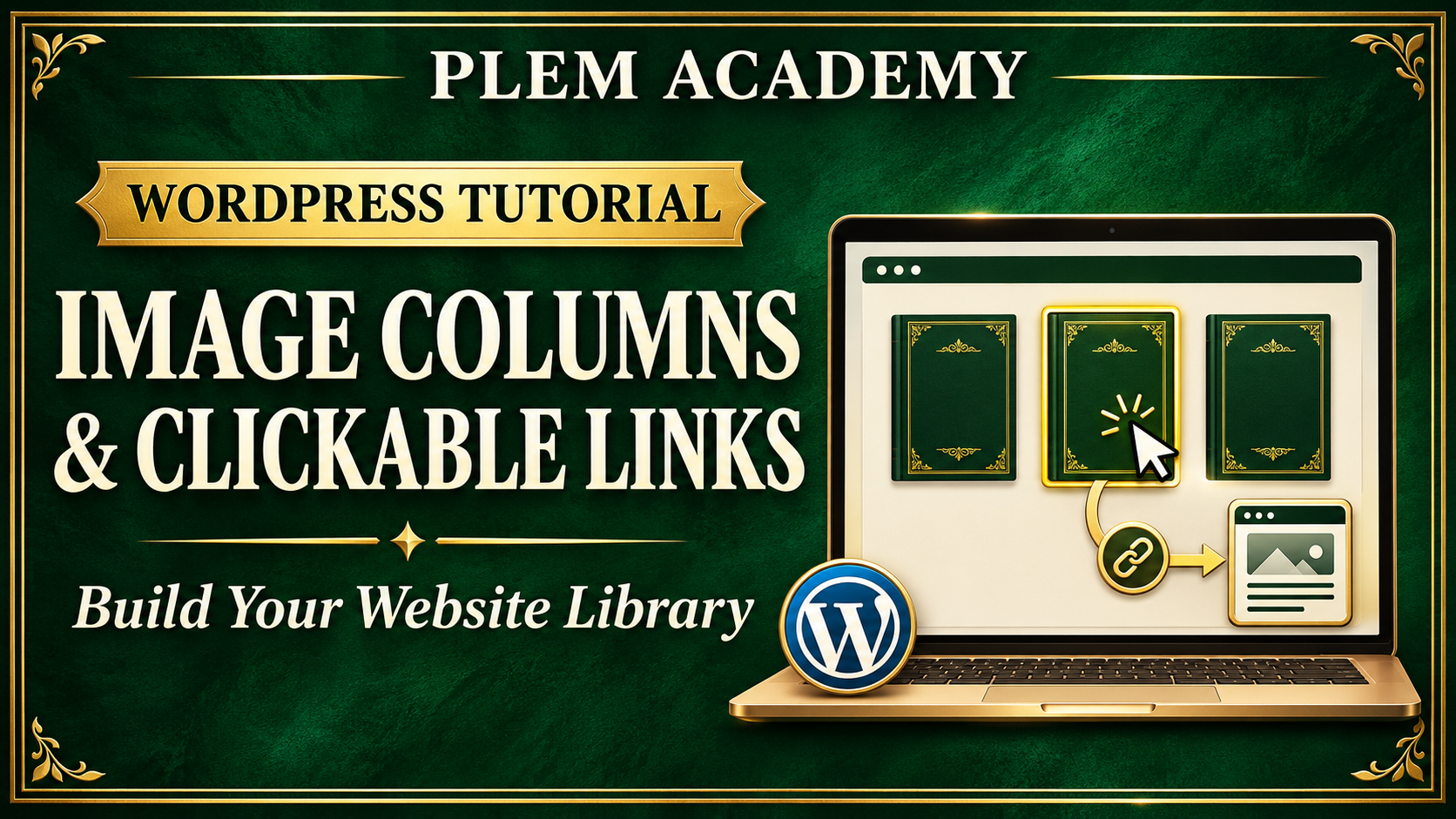
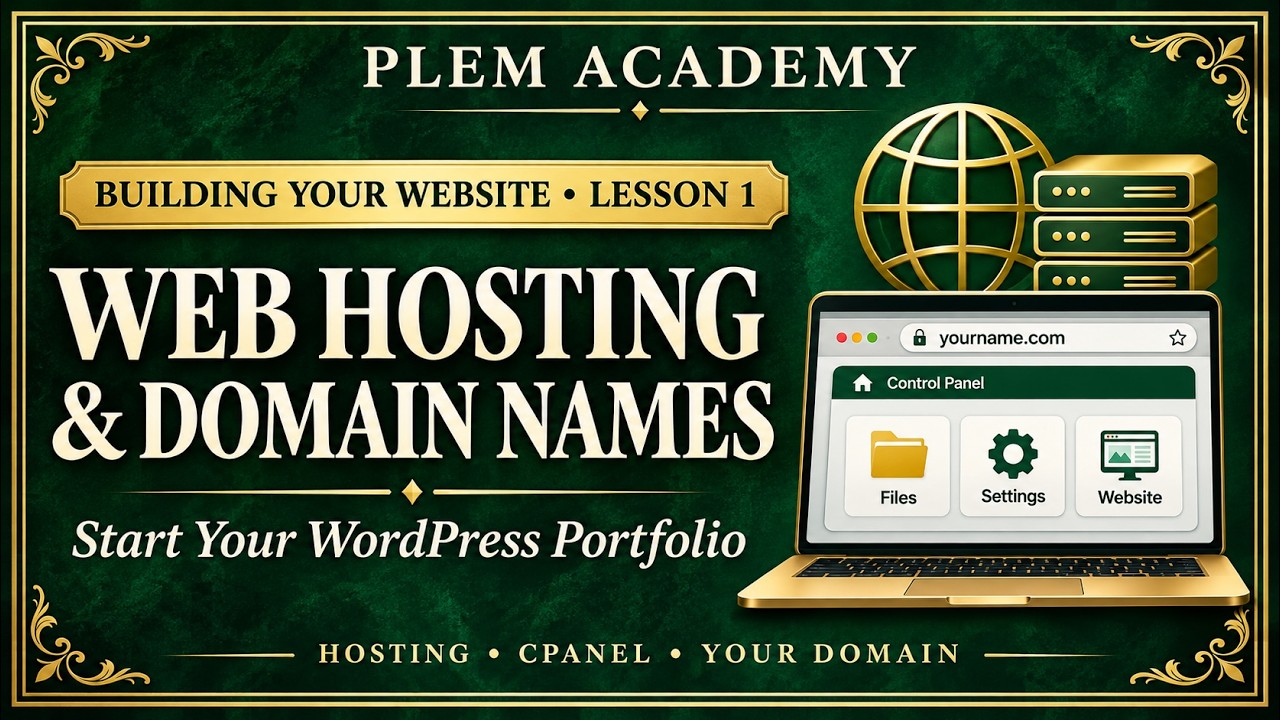
How to Choose Web Hosting and a Domain Name – PLEM Academy Website Lesson 1

Start building a professional website for your resume, textbook, and project portfolio by choosing your web hosting and domain name.

In the first Building Your Website lesson, Professor Jonathan D. Tullis walks through his preferred GoDaddy hosting setup and explains why he uses cPanel-based web hosting for his WordPress website.

In this lesson:

• Explore the hosting options shown in the demonstration.
• Understand Professor Tullis’s preference for cPanel-based hosting.
• Compare monthly payments with longer introductory billing terms.
• Consider renewal costs and optional services before purchasing.
• Choose a professional domain name for your resume and portfolio.
• Identify when to contact your hosting provider for technical support.
• See how a WordPress lesson-library page and individual accordion lessons are organized.

The walkthrough also demonstrates the publishing routine behind PLEM Academy: preparing video descriptions and thumbnails, organizing content, and adding completed lessons to the website before moving on.

Use this lesson to plan the foundation for a website that connects your digital resume to your original projects, recorded demonstrations, and career-focused textbook.

Hosting prices, promotions, and plan features may change. Check the current terms and choose a plan that fits your needs and budget.

Get full access and perks when you become a member @MathMonthly via https://www.youtube.com/@TheAuthorJonathanDavid/join

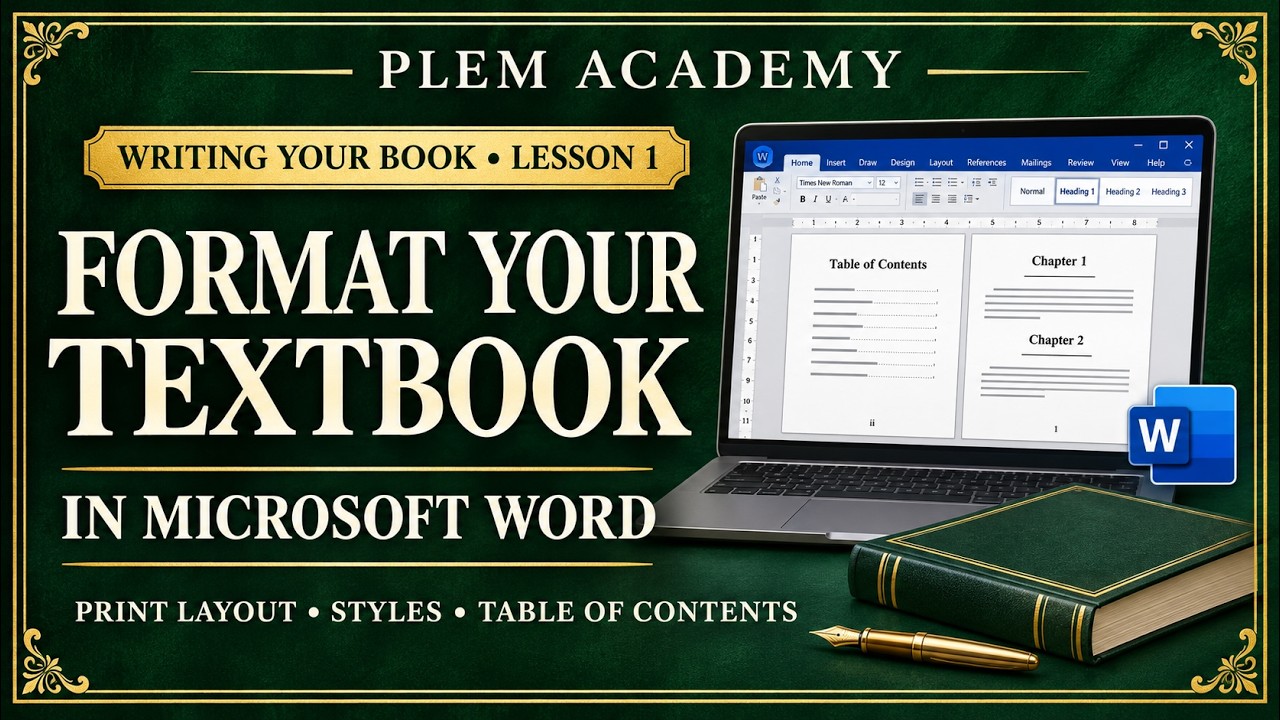
How to Format a Textbook in Microsoft Word for Print – PLEM Academy Lesson 1

Start writing your own textbook with an organized Microsoft Word document designed for print.

In the first Writing Your Book lesson, Professor Jonathan D. Tullis demonstrates how he prepares a reusable manuscript document for his career-focused book, How to Get a Job at NASA Before You Graduate.

Follow along as he sets up the document’s layout, styles, front matter, and navigation before beginning the writing process.

In this lesson:

• Organize your book’s folders and individual document files.
• Set up an 8.5 × 11-inch textbook layout.
• Adjust inside and outside margins for binding.
• Modify the Normal style, font, alignment, and paragraph spacing.
• Create a title page and placeholders for front matter.
• Use page breaks to separate pages.
• Format chapter, section, and subsection headings.
• Insert an automatic table of contents using heading styles.
• Set up different odd and even headers and outside page numbers.
• Save a reusable default document for future chapters.

The demonstration uses Palatino Linotype and a straightforward black-and-white layout. Adapt the design to your book, and check your chosen printer’s requirements before submitting a finished manuscript.

You’ll also see how this lesson connects to the PLEM Academy website, where individual dropdown lessons guide students through developing a textbook and professional portfolio.

Build a book that documents your learning and explains the career path you are working toward.

Get full access and perks when you become a member @MathMonthly via https://www.youtube.com/@TheAuthorJonathanDavid/join

How to Use AI to Build a WordPress Portfolio

PLEM Academy · Miscellaneous Lesson 1 How to Use AI to Build a WordPress Portfolio Create supporting materials, organize your content, and publish your original work through a consistent professional workflow. Follow Professor Jonathan D. Tullis behind the scenes as he builds the foundation for PLEM Academy. This lesson demonstrates […]

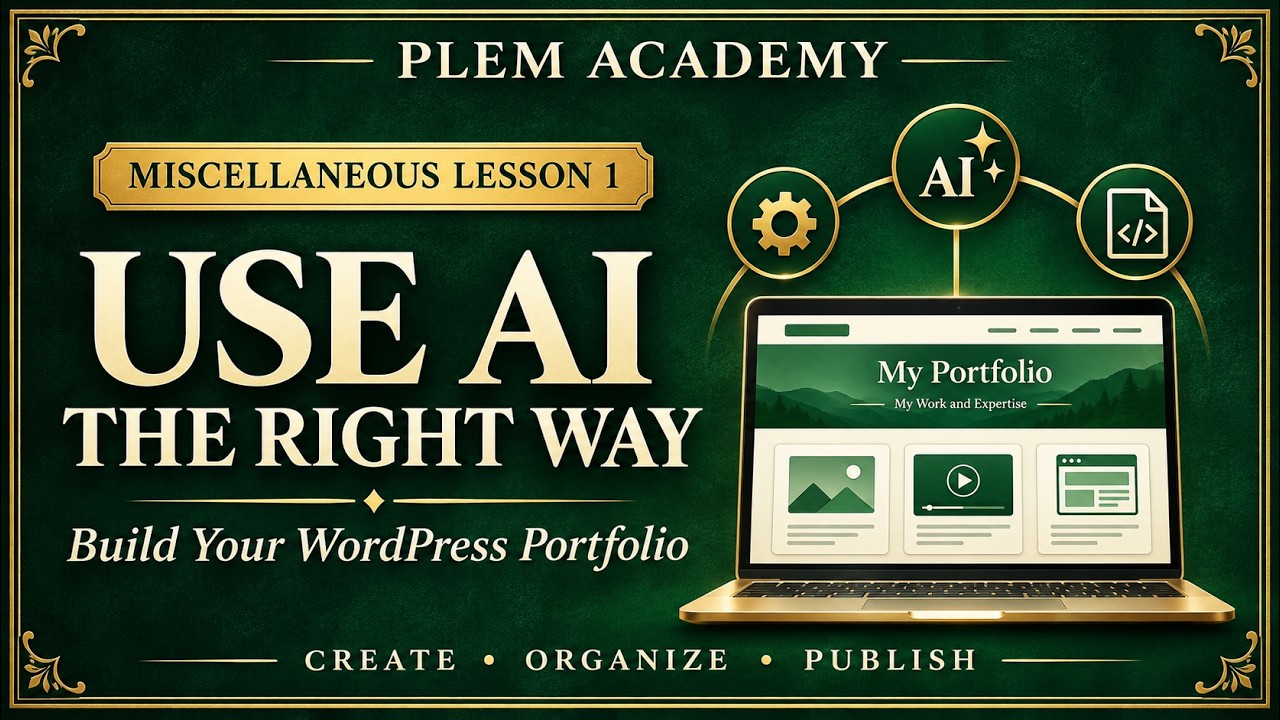
How to Use AI to Build a WordPress Portfolio – PLEM Academy Lesson 1

Learn how to use AI to organize and present your original work while building a professional WordPress portfolio.

In this first PLEM Academy miscellaneous lesson, Professor Jonathan D. Tullis demonstrates his workflow for creating the program’s branding, organizing lesson libraries, and publishing video content on WordPress.

Follow the process as he uses ChatGPT to create supporting graphics and HTML layouts while keeping his own recorded lessons and experience at the center of the content.

In this walkthrough:

• Establish a consistent color scheme and visual identity.
• Create certificate artwork, thumbnails, and lesson-library covers.
• Organize WordPress pages, posts, categories, and navigation.
• Connect YouTube videos to WordPress posts.
• Use video transcripts to prepare titles, descriptions, and summaries.
• Plan accordion lesson libraries for writing a textbook and building a website.
• Develop a repeatable publishing workflow that keeps content organized.
• Introduce Google Search Console and requests for indexing.

The goal is to use AI as a production tool—not to cheat or replace your education. Document your process, explain your decisions, and build a portfolio that helps employers assess your skills.

This lesson introduces the workflow behind the PLEM Academy Resume Building Certificate program, where students develop their own career-focused textbook, website, and recorded project portfolio over time.

Get full access and perks when you become a member @MathMonthly via https://www.youtube.com/@TheAuthorJonathanDavid/join

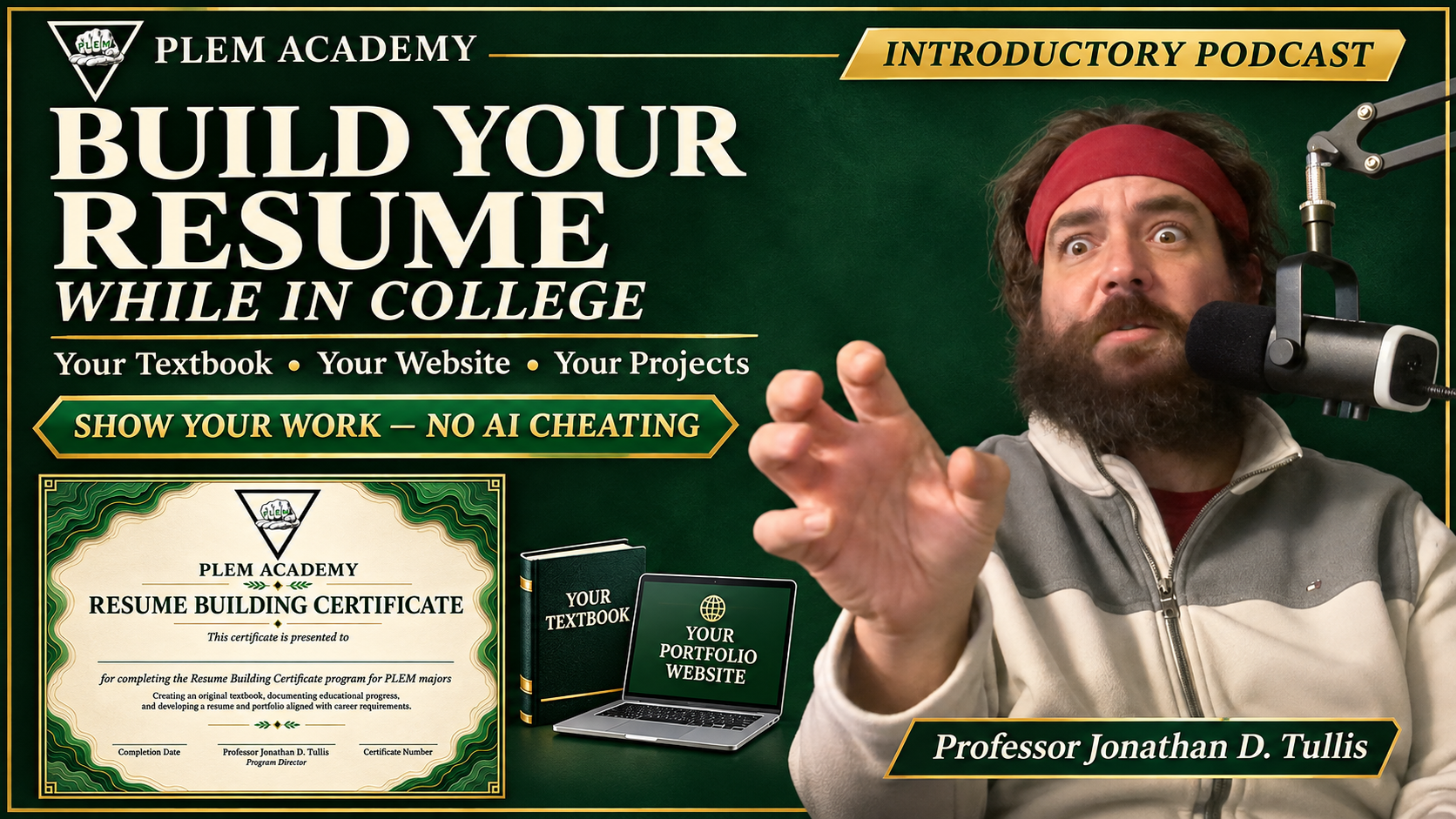
Build Your Resume While in College

PLEM Academy · Introductory Podcast Build Your Resume While in College Write your own textbook. Build your own website. Document the skills behind your resume. What if you finished college with a book you wrote, a professional website, and a collection of recorded projects that demonstrate the skills listed on […]

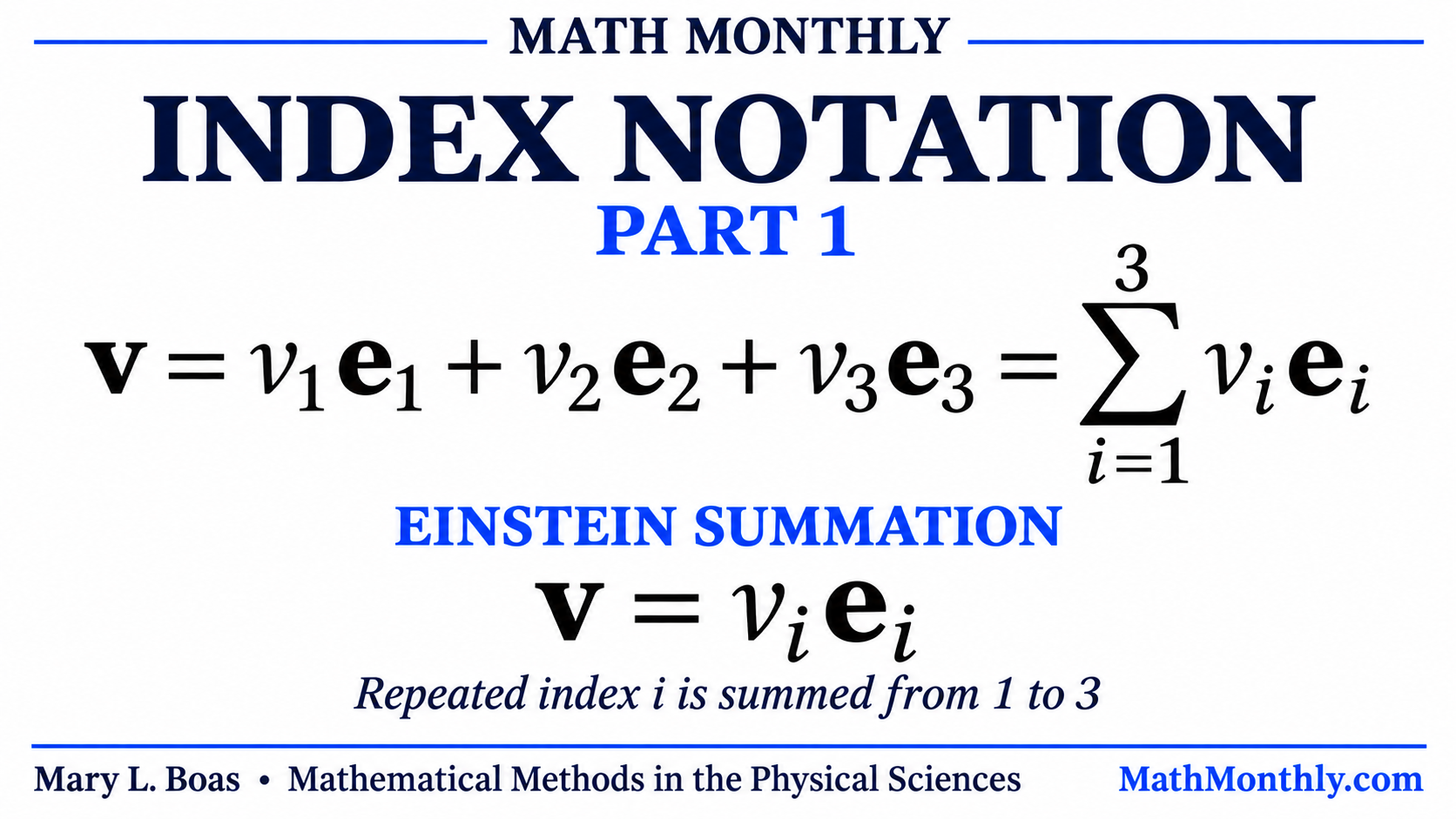
Introduction to Index Notation — Vectors, Basis Vectors & Einstein Summation

Math Monthly — Engineering Research Introduction to Index Notation — Vectors, Basis Vectors & Einstein Summation Author Jonathan David introduces index notation as preparation for tensor analysis. Beginning with sequences and finite sums, the lesson develops a three-dimensional vector in component and basis-vector form, then introduces the Einstein summation convention. […]